KRPANO fish resource analysis tool download light panorama
- first, the KRPano resource analysis tool, open a panoramic light fish’s Web site:
For example the following Web site:
http://www.gy720.com/pano/view/15202
- on the left of the resource Viewer, search for XML files

- open the XML view, you can find the apipanoxml file contains the information

- right on the XML button, select restore XML batch download all the panoramas

- Save dialog will pop up, select an empty folder to save
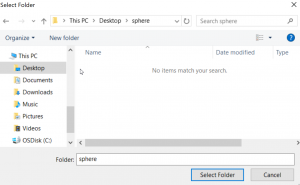
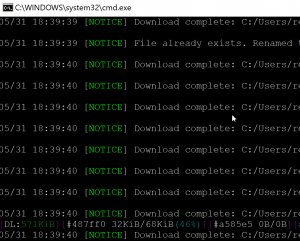
- after confirmation, the download window will pop up, download splice completed, will automatically close the downloads window
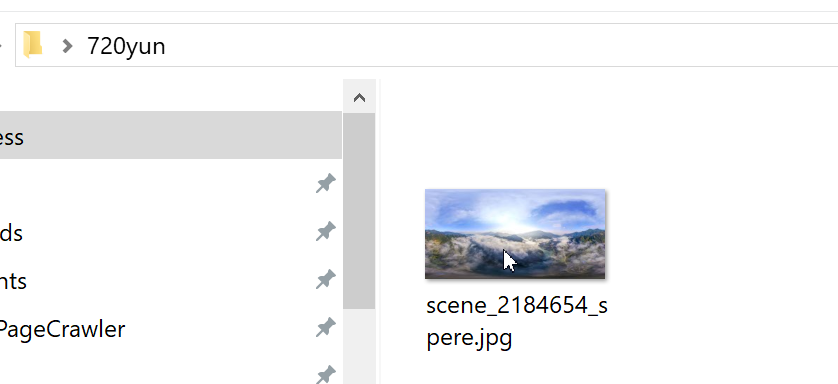
- open the folder, you can find the restored 2:1 panorama
This post was published on: http://www. krpano. tech/archives/662
Posted by:Leapever Software
Reprinted please specify the source, thank you!