KRPANO resource analysis tool download Web panoramas
- first, the KRPano resource analysis tool, open a panoramic view, as the network Web site:
For example the following Web site:
http://www.shiw-vr.com/tour/4bda0fe52ad0763c
- on the left of the resource Viewer, search for XML files
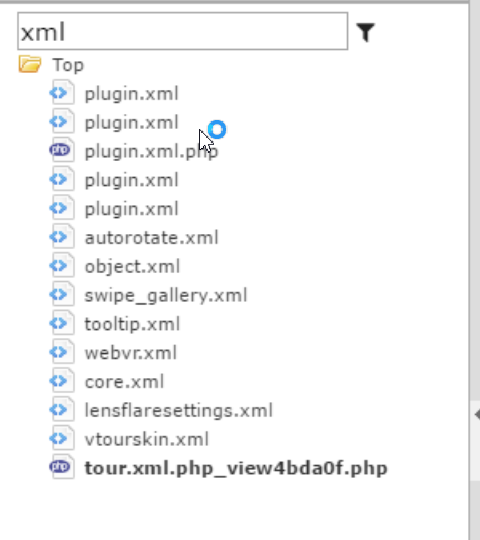
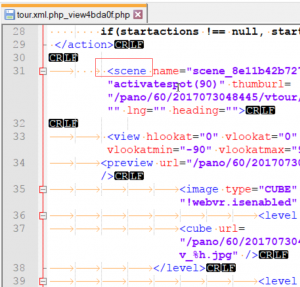
- open the XML view can be found yasuaki_shimizu_2016. XML file contains information
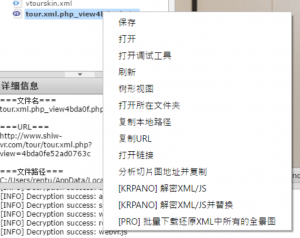
- right on the XML button, select restore XML batch download all the panoramas
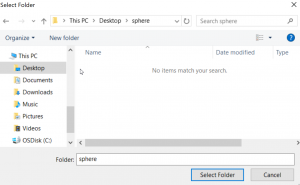
- Save dialog will pop up, select an empty folder to save
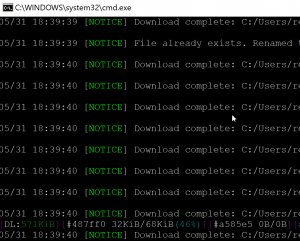
- after confirmation, the download window will pop up, download splice completed, will automatically close the downloads window
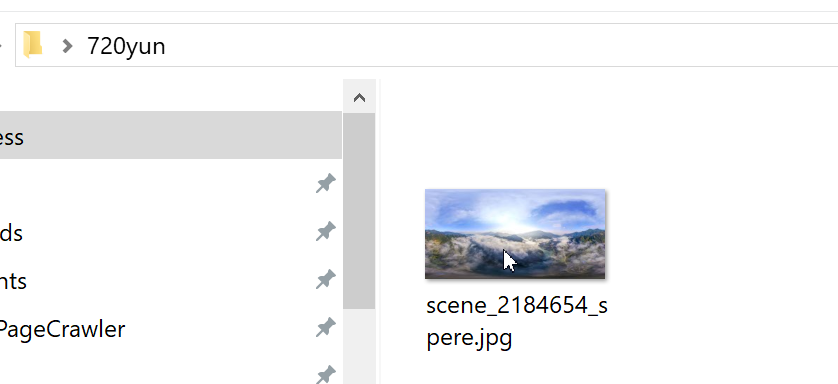
- open the folder, you can find the restored 2:1 panorama
This post was published on: http://www. krpano. tech/archives/591
Posted by:Leapever Software
Reprinted please specify the source, thank you!