Panorama Downloader Master Software Introduction
Software Introduction
The Panorama Downloader Master can batch download the highest resolution panoramas from KRPano panorama websites and Baidu Street View with one click.
The software is easy to download and install, convenient to use, requires no additional configuration of various environments, and can facilitate developers to study panorama development, make simple DEMOs, etc.
Go To official Website Click to open the official website
Download Address Click to open the download page
If you want to buy the software, just contact the email from context menu -> Registration -> Registration Instructions
Features
Supports both KRPano panorama projects and Baidu Street View projects
Supports one-click batch download of all scene panoramas
Supports downloading the highest resolution panoramas provided by the website
Supports Windows
Software Screenshots
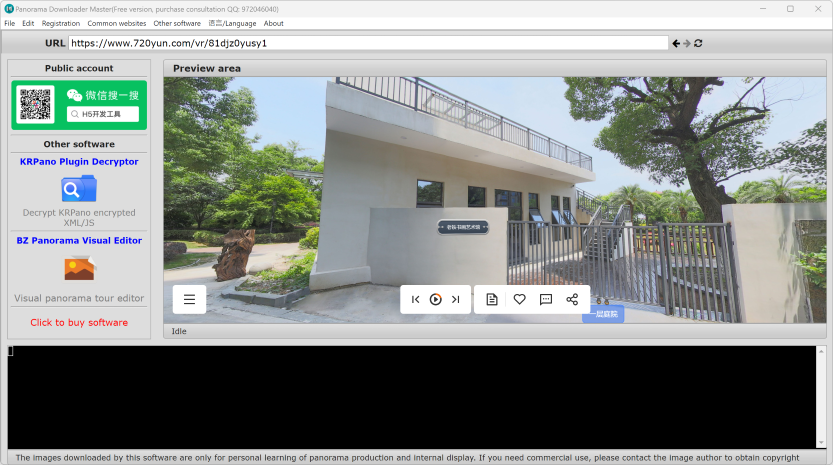
KRPano Panorama Download Steps
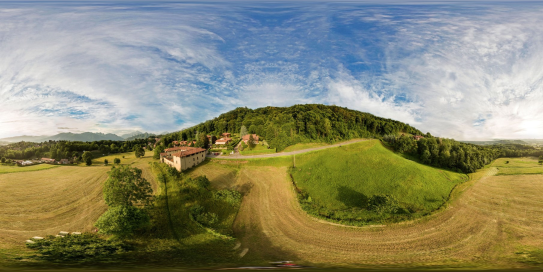
Enter the URL of the panorama you want to download and press Enter: For example: https://www.skypixel.com/photos/play/35d023e6-efcd-454d-8313-d87ba0ba346a?buttons=on&disablewheel=on
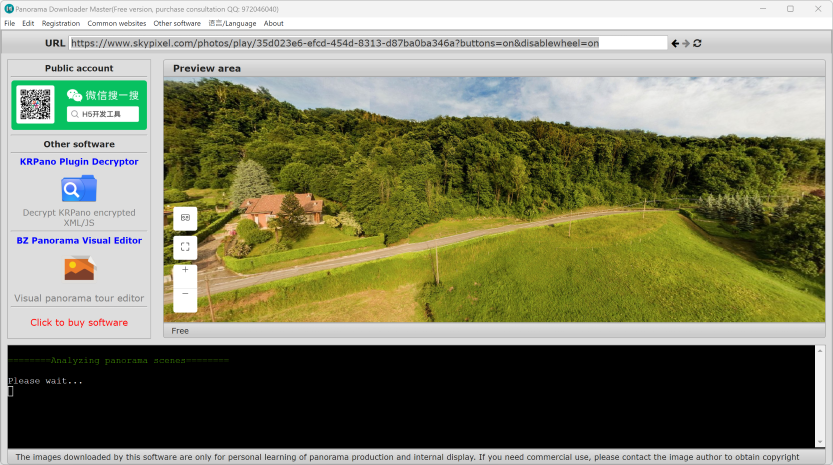
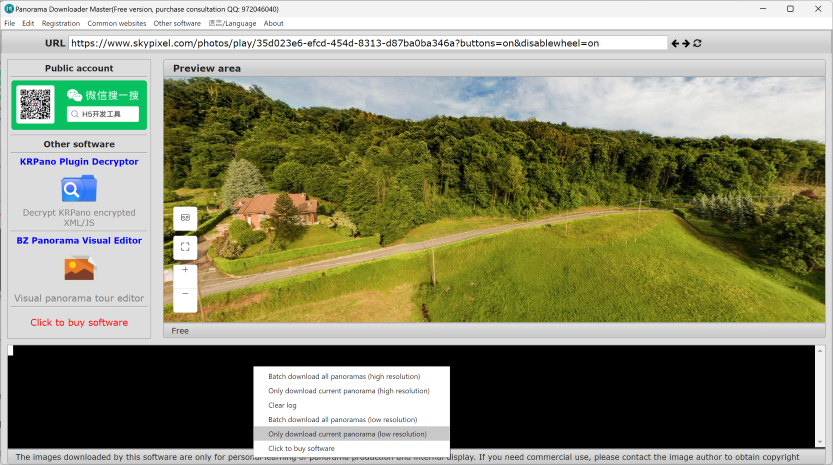
Right-click the mouse and select the Download Panorama menu
After selecting the location to save the panorama, click OK to start the download, and the software will automatically download all scene panoramas
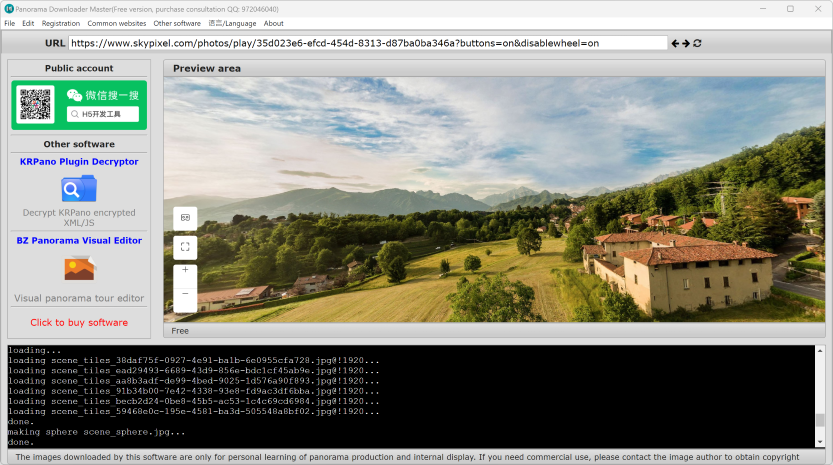
After the download is completed, the directory where the panorama is saved will be automatically opened
Baidu Street View Download Steps
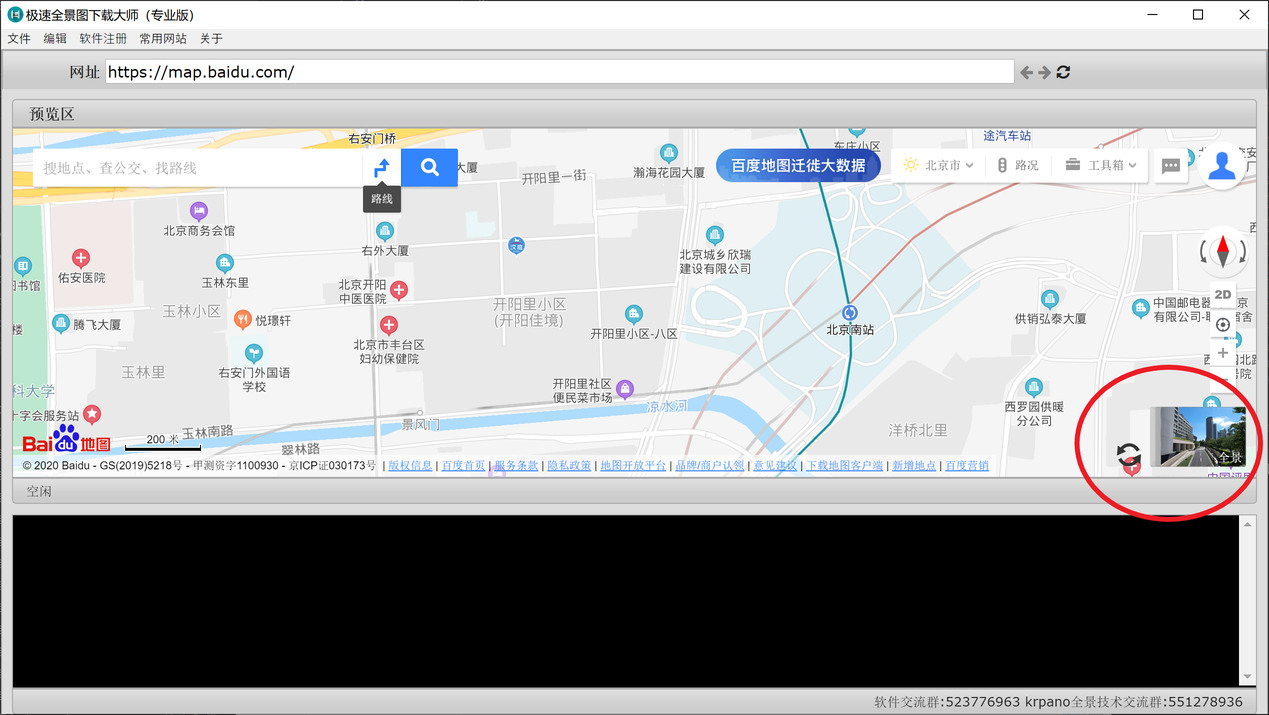
Enter the Baidu Maps URL https://map.baidu.com, open Baidu Maps, click the street view icon in the lower right corner
After entering panorama mode, right-click the mouse and select Download Panorama
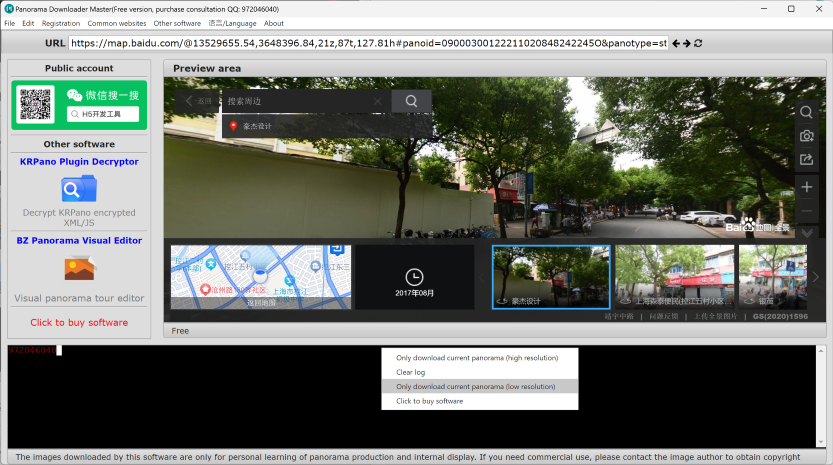
After selecting the location to save the panorama, click OK to start the download
After the download is completed, the directory where the panorama is saved will be automatically opened
Frequently Asked Questions
What panoramas does the software support for download?
Currently supports KRPano kernel panorama projects and Baidu Street View panorama downloads
After the panorama is downloaded, how to make a panorama tour?
Once you have the panorama, you can use the BZ Panorama Editor to make a panorama tour: https://www.ylongsoft.com/krpano-bz-editor.html
What websites are currently supported?
The websites that have been tested and supported can be viewed in the common URLs in the software menu
Download panorama error, multiple attempts cannot be resolved
You can contact email from the software Registration -> Registration Instruction email for technical support